
Shoot better with
your smartphone
No camera needed. The smartphone in your pocket is enough to take great photos. From Pro mode to editing apps and AI features — let's learn it properly.
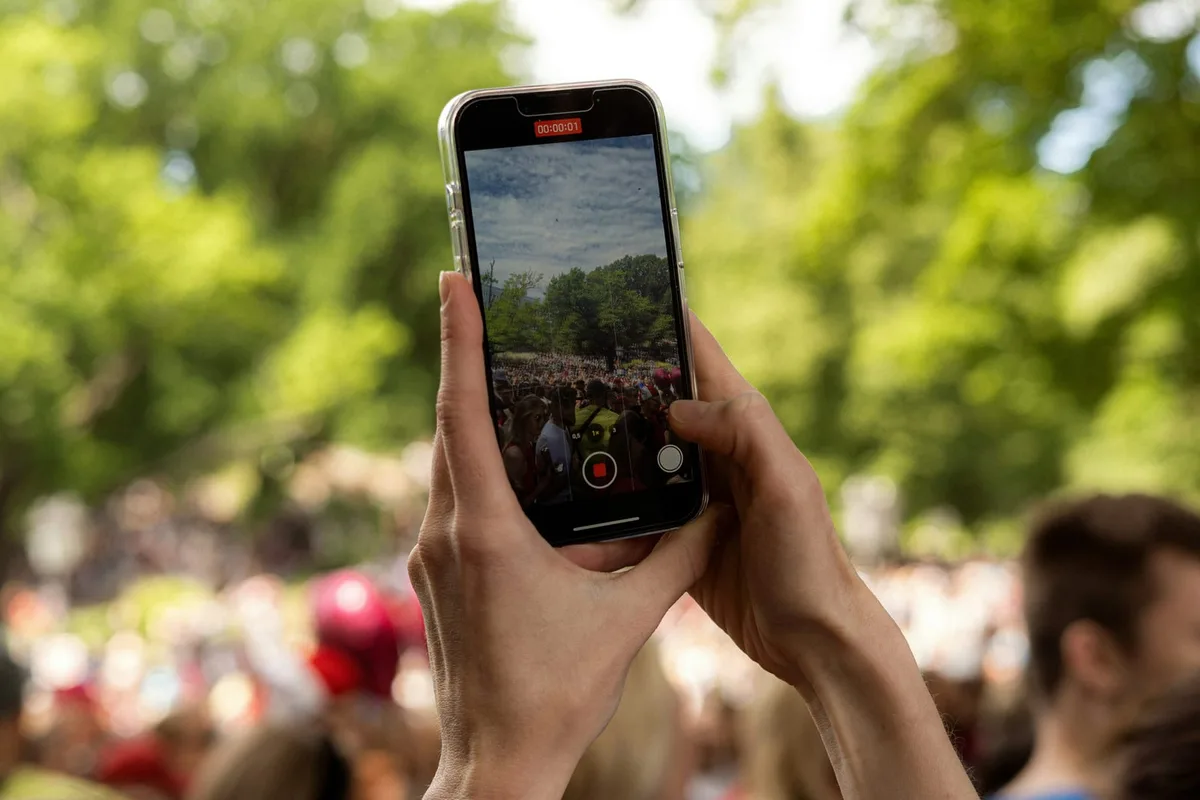
Understanding Your Smartphone Camera
Basic camera app structure, Pro mode, night mode explained, and how AI portrait mode blurs the background.
Core Shooting Skills
Start HereStable grip, tap-to-focus & exposure lock, grid composition — one setting changes everything.
Tips by Genre
Food, portrait, landscape, night, everyday snaps — different settings and compositions for each.
Editing Apps
Snapseed selective editing, Lightroom Mobile RAW, VSCO film tones — the key features only.
Accessories
Tripods & grips, clip lenses, portable lights — affordable tools that upgrade your shots.
AI Camera Features Explained
What is computational photography? Night mode explained, AI enhancement limits, when to turn it off.
Check your progress with AI
Analyze a photo you just took
Upload your photo and AI will analyze composition, lighting, and editing style — and show you how to improve.
add_a_photoStart Analysis